
iPhone & Mac · Waiting for App Store review
Website Photo Optimizer
Website photos.
Ready in one go.
Turn HEIC, JPEG and PNG photos into consistent WebP files. Choose where an image will appear, check the crop and export with the right dimensions and file-size limit.
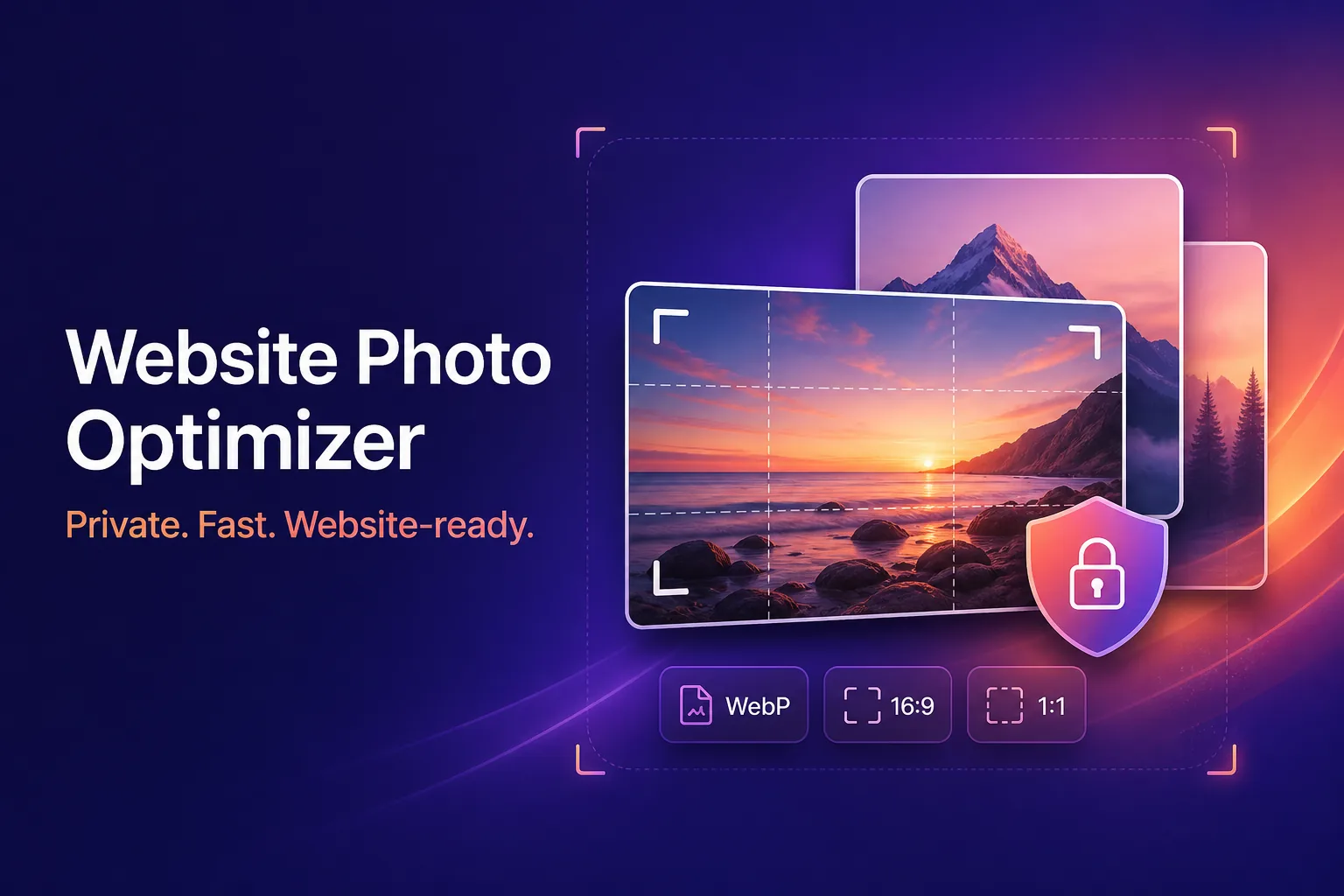
One clear workflow
From camera roll to website-ready.
- 01
Choose photos
Import HEIC, JPEG or PNG images from your iPhone or Mac.
- 02
Pick a preset
Choose a banner, content image, square card or portrait format.
- 03
Check every crop
Position the important part of each photo before export.
- 04
Export WebP
Create smaller files with clear, SEO-friendly names.
Private by design
Your photos stay on your device.
Processing happens locally. Photos are never uploaded, and exported files have embedded metadata—including GPS location—removed.
Free and Pro Lifetime
Start free. Upgrade once.
All standard presets and batches of up to five photos are free. Pro Lifetime unlocks unlimited batches and practical presets for Squarespace, WordPress, Shopify and Webflow. No ads, watermark or subscription.
Website Photo Optimizer · Asseler Studio